JavaScript ecosystem history fixes that. In this post you’ll quickly see how JS grew from small browser scripts
into a full-stack platform — and why frameworks like Next.js became essential for production apps.
Snapshot: The Big Idea (Read in 10 seconds)
- 1995: JavaScript created for browser interactivity.
- 2008–2009: V8 and Node.js made JS fast and server-capable.
- 2010s: Framework boom — Angular, React, Vue (and later Svelte).
- Today: Next.js adds SSR, routing, and tooling so React apps are production-ready.
The Beginning: JavaScript’s Early Days
JavaScript started in 1995 as a tiny language for simple page interactions. It was useful but limited.
Browsers implemented it differently, which made complex apps hard to build.
Why that matters
Without fast engines and standard tooling, JS couldn’t scale. Understanding this helps you see why later tools solved real problems.
Turning Point: V8 Engine & Node.js
The release of Google’s V8 engine (Chrome) made JS much faster. Soon after, Node.js used V8
to run JavaScript on the server (2009). This single change transformed JS from a browser-only language into a full-stack platform.
- V8: Speed improvements for JavaScript.
- Node.js: Server-side JS, file system access, and npm package ecosystem.
Practical example
Before Node.js you needed a different language (PHP, Ruby) for backend. After Node.js you could use the same language
on client and server — faster development and fewer context switches.
2010s: Frameworks and Libraries Emerge
With Node and npm in place, developers built tools to solve UI complexity and app architecture:
- Angular (Google, ~2010): Full framework with opinions about structure.
- React (Facebook, 2013): UI library focusing on components and state.
- Vue (2014): Progressive, easy-to-adopt UI library.
- Svelte (later): Compiler-based approach with minimal runtime.
Library vs Framework — simple rule
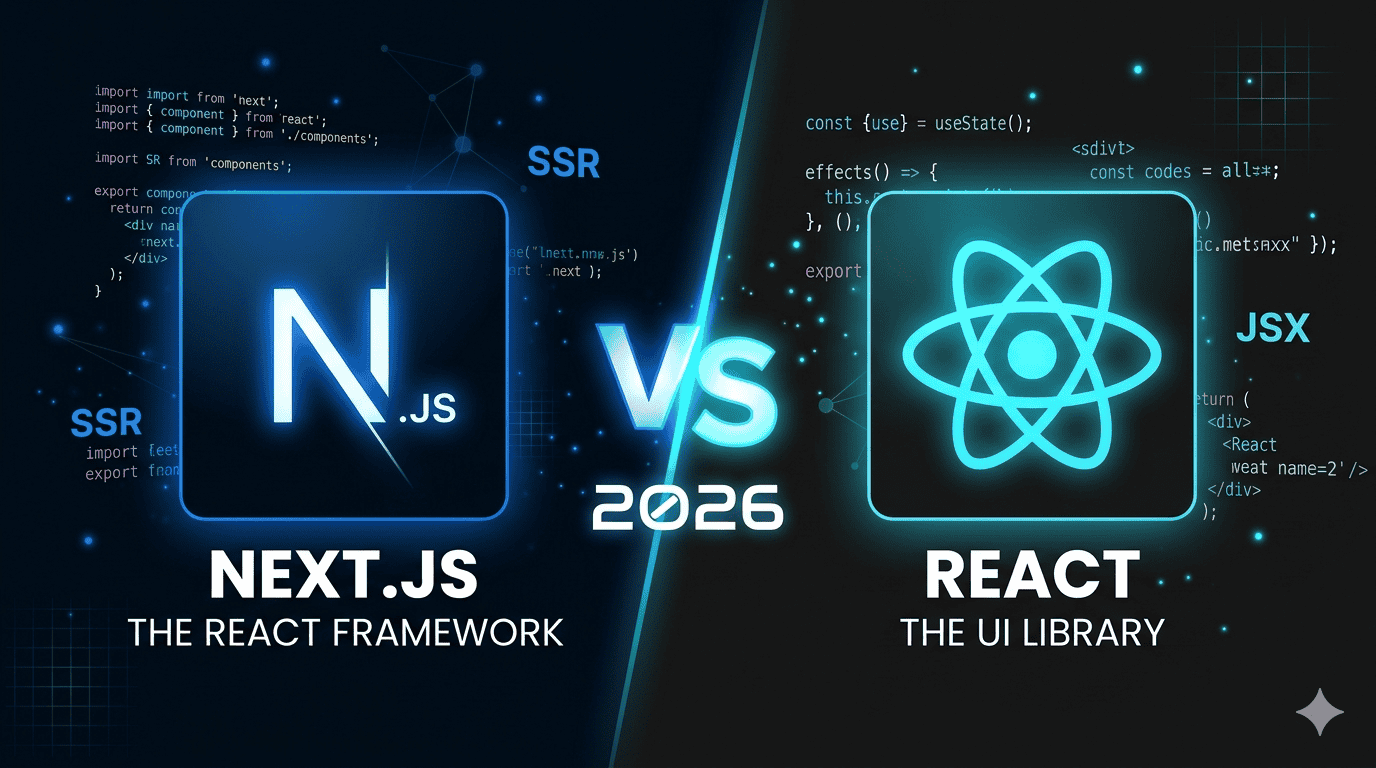
A library (React) gives you tools and freedom. A framework (Next.js) gives you structure and conventions.
Both are useful — but frameworks speed up production work by solving recurring problems for you.
Why Next.js Appeared (And Why It’s Important)
React is great for building UI, but real web apps need more: SEO, routing, server rendering, image handling, and easy deployments.
Next.js (by Vercel) adds those features to React with minimal config.
- Server-Side Rendering (SSR) and Static Generation (SSG) → better SEO and performance
- File-based routing → less setup and fewer mistakes
- API routes → quick backend endpoints inside the same project
- Automatic optimizations (images, code-splitting, caching)
Concrete example
Building a blog with React alone requires router setup, SEO tags, build-time generation, and hosting config.
Next.js provides these out of the box — you write pages, Next.js handles the rest.
Quick Timeline (One Line Each)
- 1995 — JS created (Brendan Eich).
- 2008 — V8 engine (Chrome) improves speed.
- 2009 — Node.js brings JS to server.
- 2010s — Angular, React, Vue emerge.
- 2016+ — Svelte and other modern approaches appear.
- Today — Next.js standardizes production React apps.
How This Helps You (Actionable Tips)
- If you know React: Learn Next.js next — it makes apps production-ready fast.
- If you’re new: Start with JS basics, then Node.js, then React → Next.js.
- Build a small project: Create a blog in Next.js to practice SSR/SSG and routing.
Image

Conclusion & Key Takeaways
The JavaScript ecosystem history explains why modern web development looks the way it does. V8 and Node.js made JS powerful;
libraries and frameworks made UI development manageable; and Next.js joined the pieces so teams can ship production apps faster.
Takeaway: Learn React, then Next.js. That path gives you both developer speed and production readiness.