Why a Full-Stack Portfolio Matters
Technologies Used
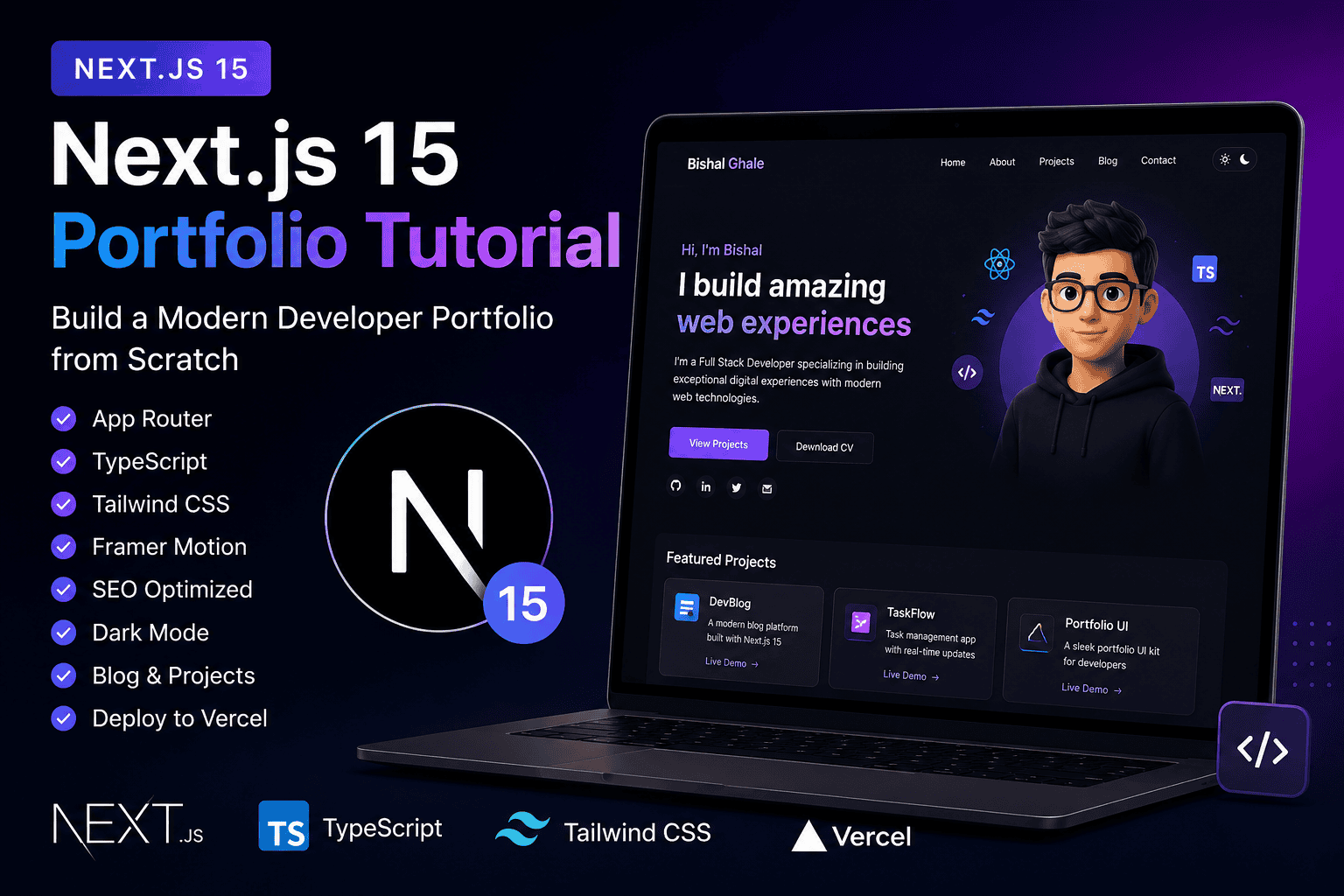
- Frontend: Next.js 14 (App Router), Tailwind CSS
- Backend: Optional – Node.js API or CMS (e.g., Sanity, Strapi)
- Deployment: Vercel or Netlify
Step-by-Step Guide
1. Project Setup
Start a new Next.js app:
npx create-next-app@latest portfolio-site --appInstall Tailwind CSS:
npm install -D tailwindcss postcss autoprefixer
npx tailwindcss init -p
Configure tailwind.config.js and add directives to globals.css.
2. Define Your Folder Structure
Use the App Router with the following structure:
app/
  layout.tsx
  page.tsx
  about/
  projects/
  contact/
components/
  Navbar.tsx
  Footer.tsx
  ProjectCard.tsx
3. Build the UI with Tailwind
Use Tailwind utility classes to build responsive layouts. Add dark mode support and smooth scrolling for better UX.
4. Add Dynamic Data (Optional)
You can pull content from a CMS like Sanity or Contentful, or create your own API using Node.js or Express.js if you want a fully custom backend.
5. Optimize SEO
Use next/head to manage title, meta tags, and Open Graph data. Add sitemap and robots.txt for better indexing.
6. Deploy on Vercel
Push your code to GitHub and connect the repo to Vercel for free deployment with CI/CD integration.
Key Features to Add
- Hero section with your intro and social links
- Projects grid with GitHub/demo buttons
- Contact form with validation
- Responsive navbar and footer
- Light/Dark theme toggle
Bonus Tips
- Use Framer Motion for animations
- Host your resume as a downloadable PDF
- Add Schema.org structured data
- Showcase real client work or clone projects
Conclusion
Building a full-stack portfolio using Next.js and Tailwind CSS not only strengthens your web development skills but also gives you a competitive edge in today’s job market. Keep it minimal, accessible, and performance-focused. This is your digital handshake—make it strong!
Demo + Code
- Live Demo: bishalghale.com.np
- GitHub Repo: github.com/bishalghale/portfolio-site